
Help center
How can we help?
Step-by-step guides with real screenshots, for hosts running a collab and contributors taking part in one.
I’m hosting a collabPlan it, invite contributors, collect hand-ins and get everyone promoting.See your 24 guidesI’m a contributorOpen your link, sign your agreement, hand in your things and share the launch.See your 9 guides
Before you buy
What CollabSong does, what it costs and whether it fits your collab.
Host guides
From your first Blueprint to downloading every hand-in.
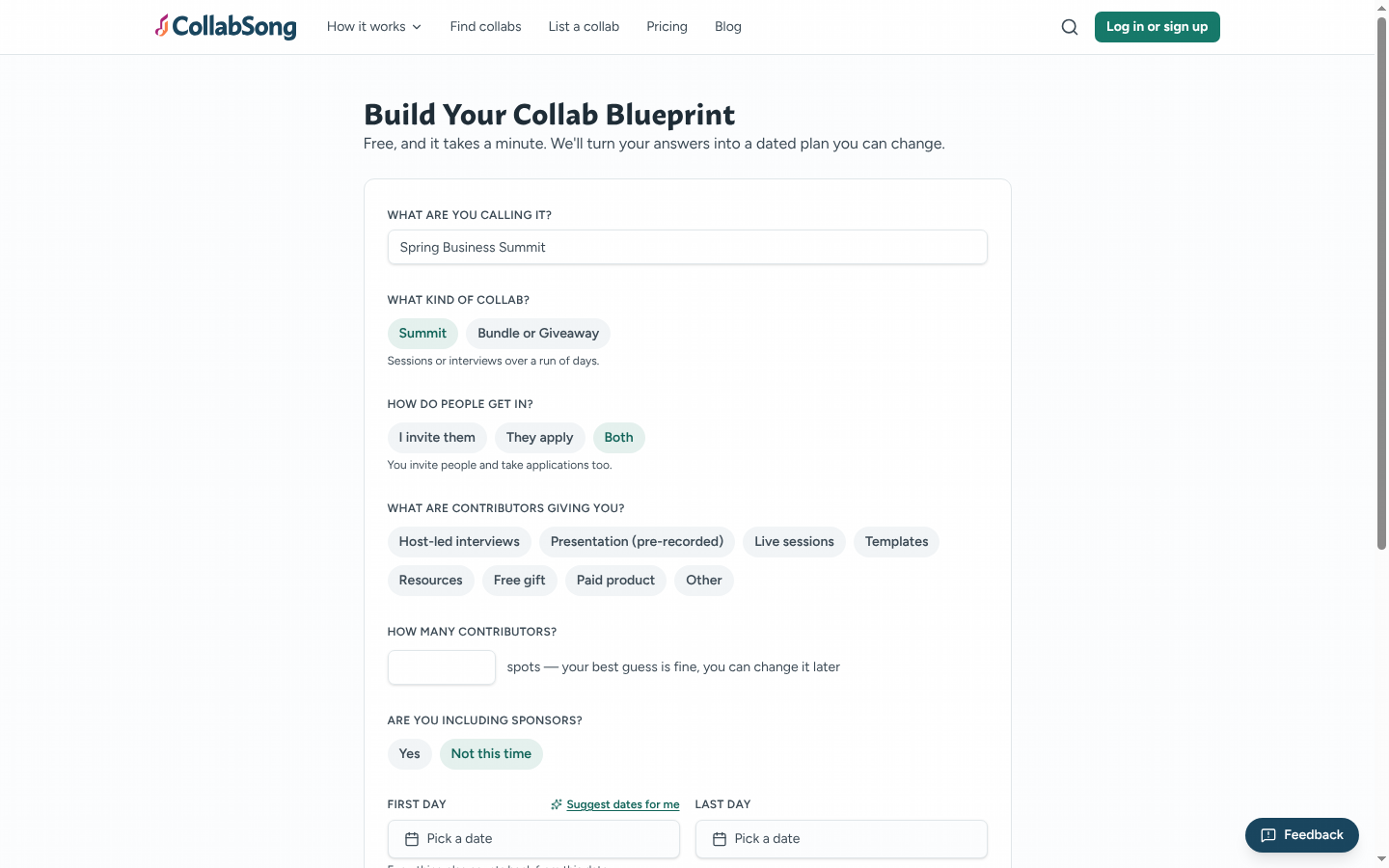 Plan your collab with the free BlueprintThe Blueprint builds your whole timeline from your key dates, and it’s yours to keep.6 steps · 1 min
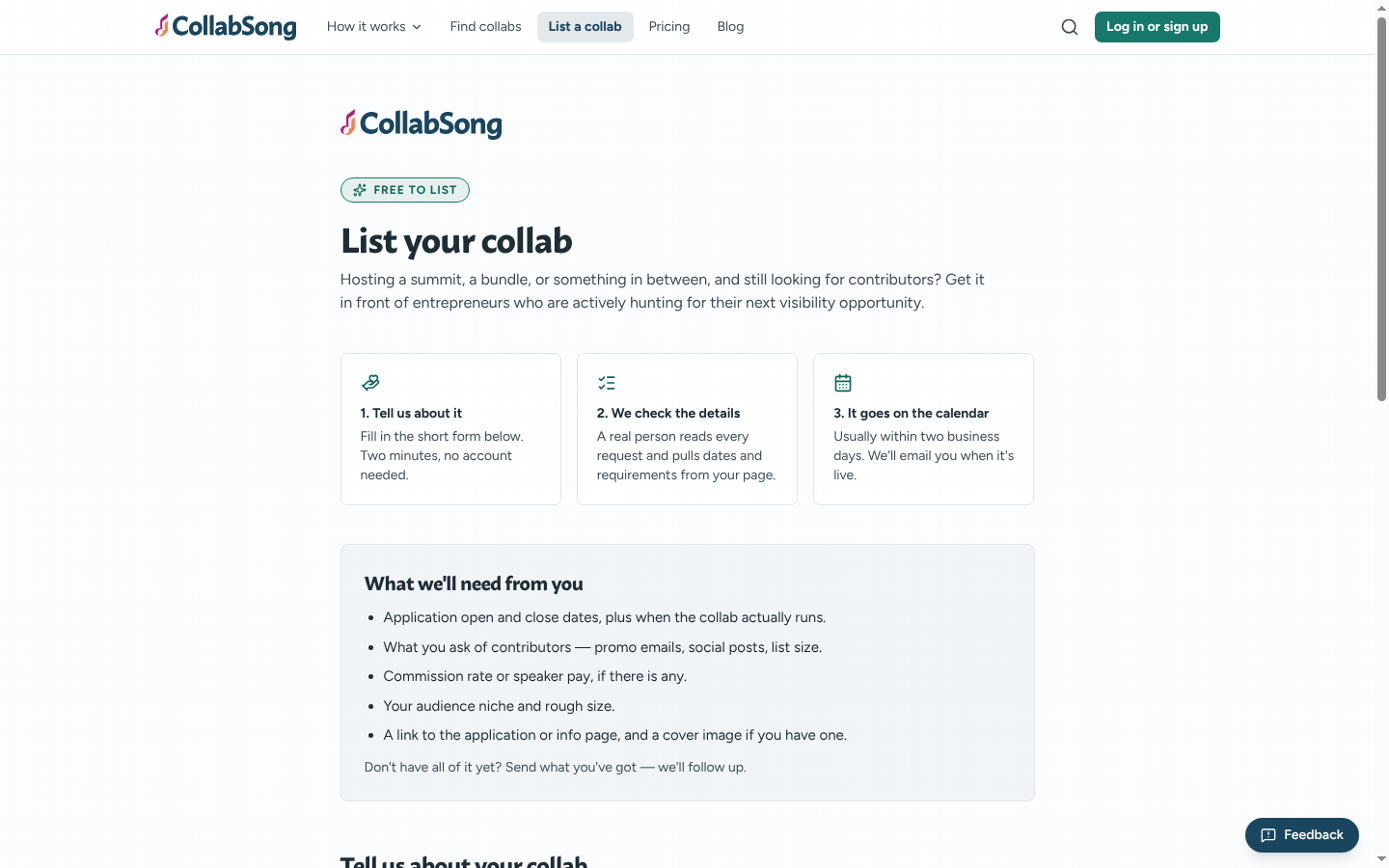 List your collab on the calendarListing is free, and you don’t need an account. Contributors looking for their next collab can find yours on Find collabs.2 steps · 1 min
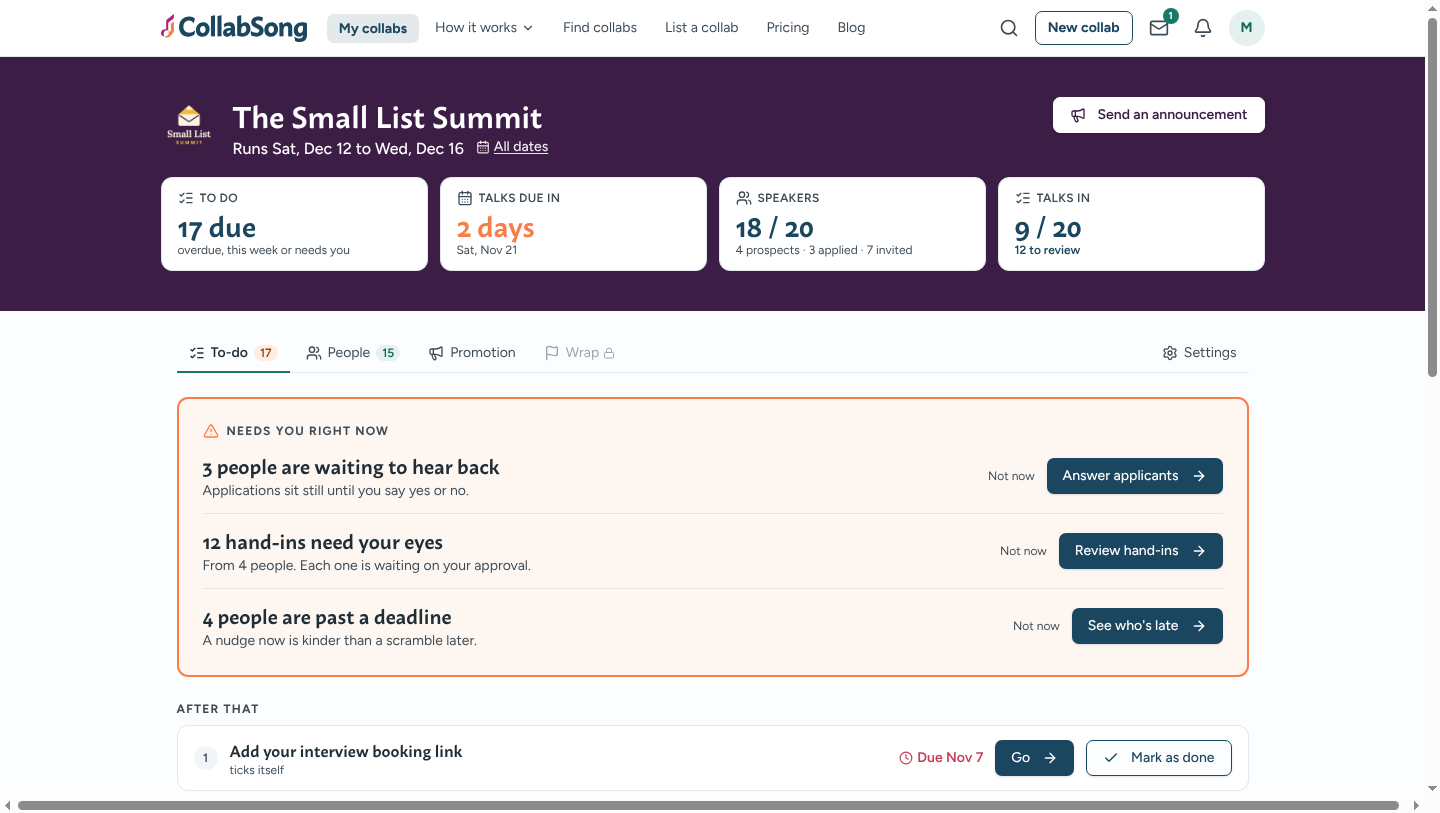 Find your way around Host HubHost Hub is your command center. Open it from My collabs, and the first thing you see is what needs you right now.6 steps · 1 min
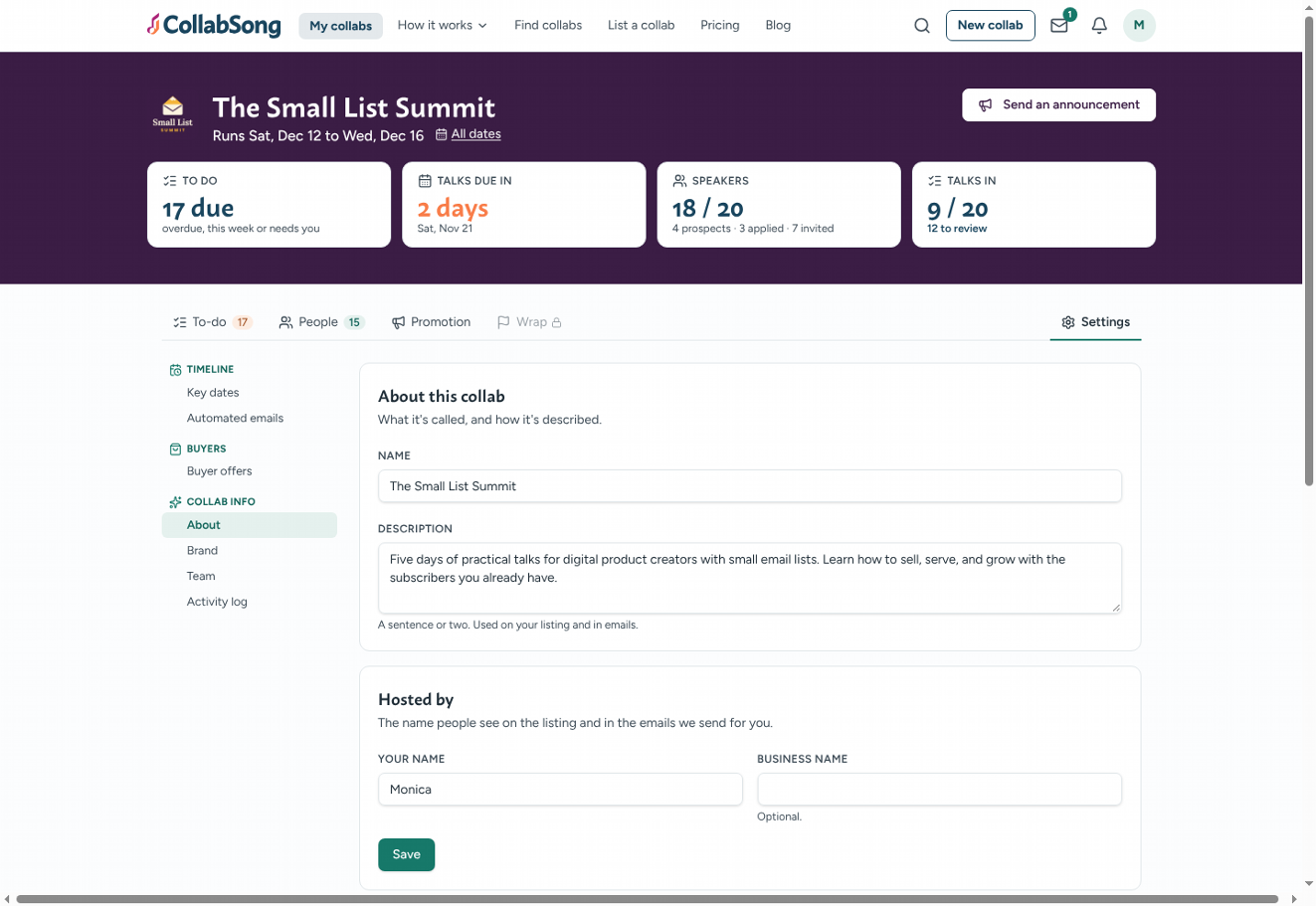 Set up your details, guide and agreementIn Settings, open About to set your collab’s name, description and who it’s hosted by, then click Save.7 steps · 2 min
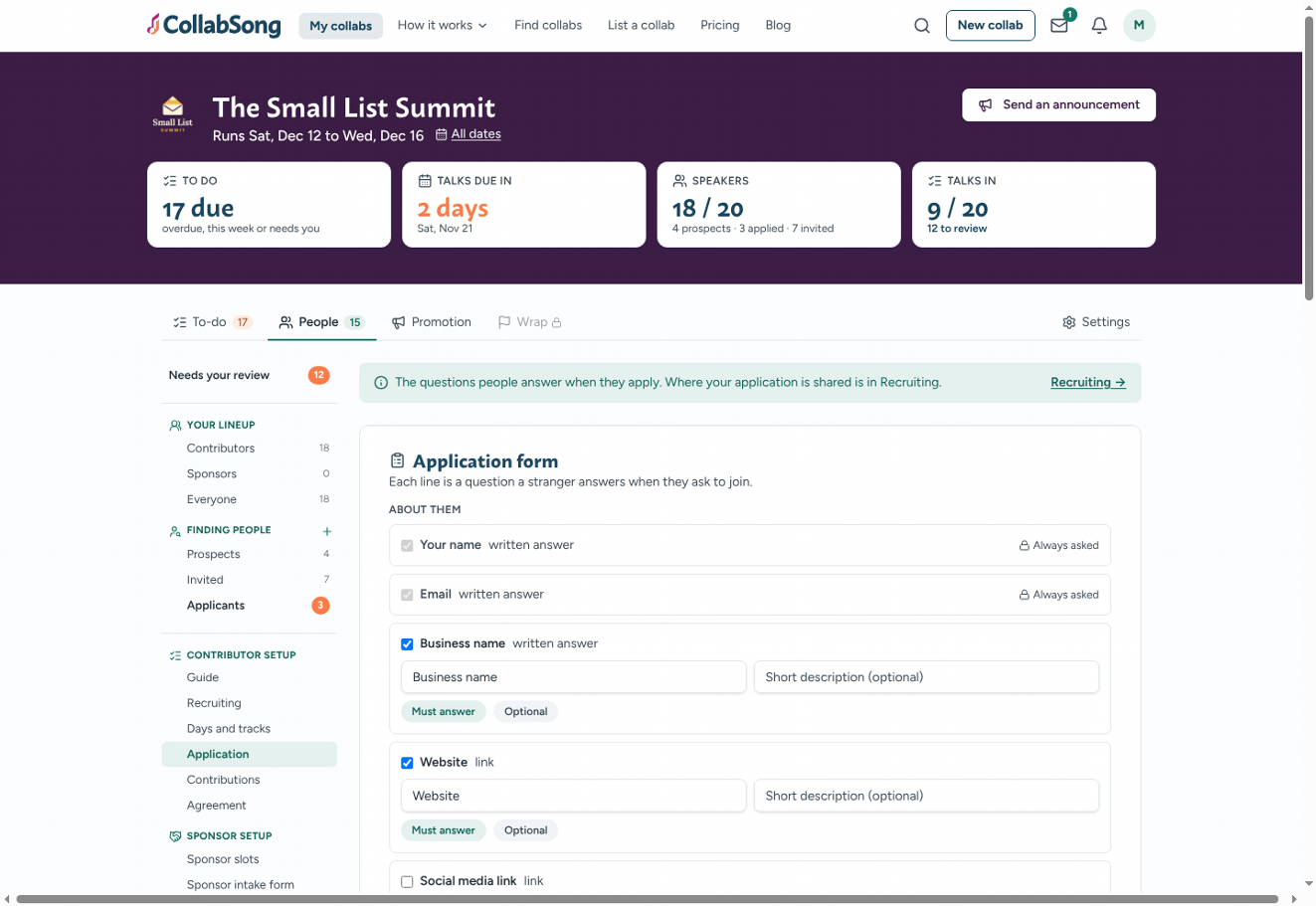 Take applicationsIn Contributor setup, open Application. Build your form and mark each question Must answer or Optional. It shows on your application page right away.3 steps · 1 min
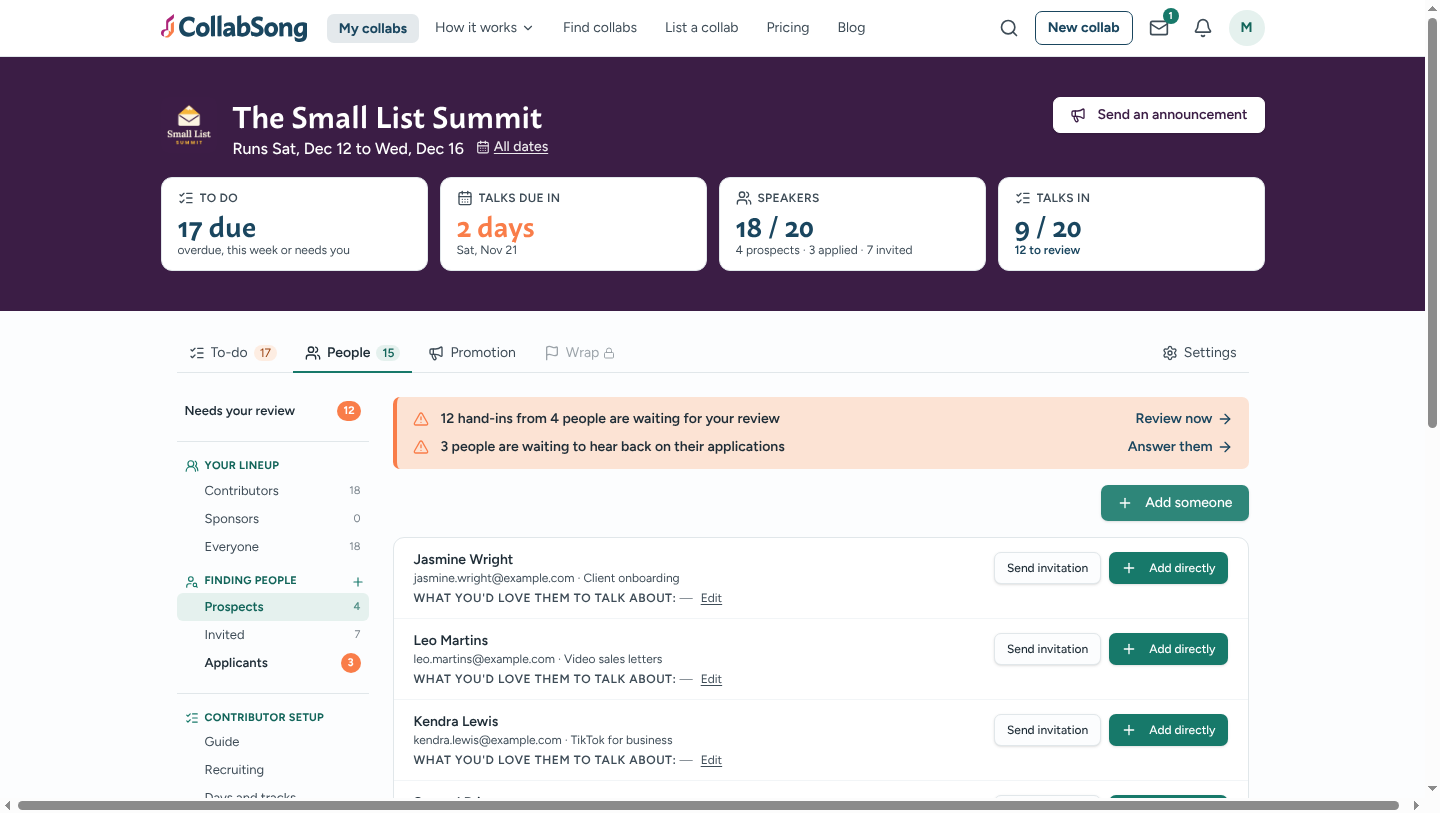 Add and invite contributorsIn People, open Prospects and click Add someone.3 steps · 1 min
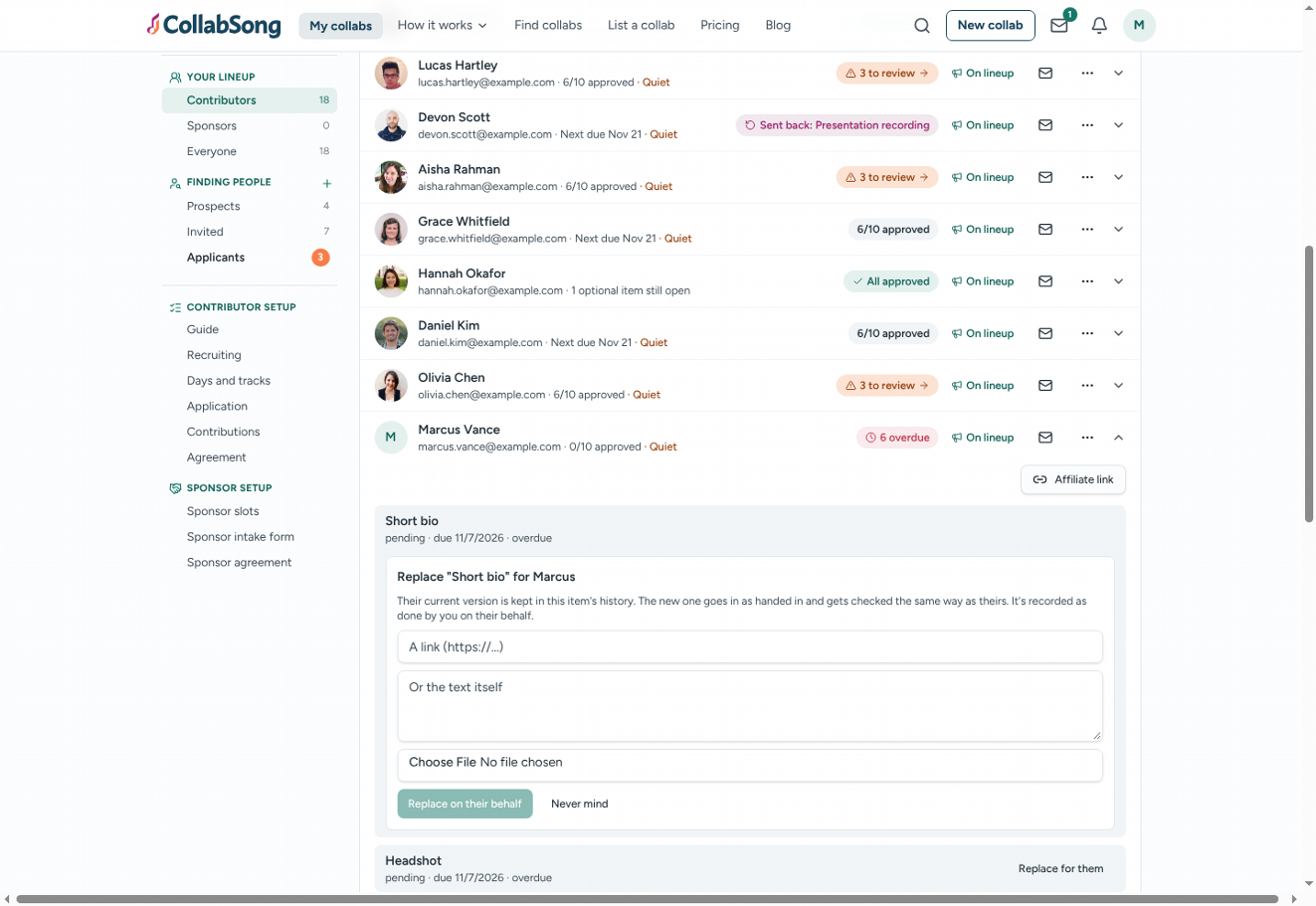 Hand in for a contributorWhen a contributor emails you their things, you can add them yourself without signing in as them.1 step · 1 min
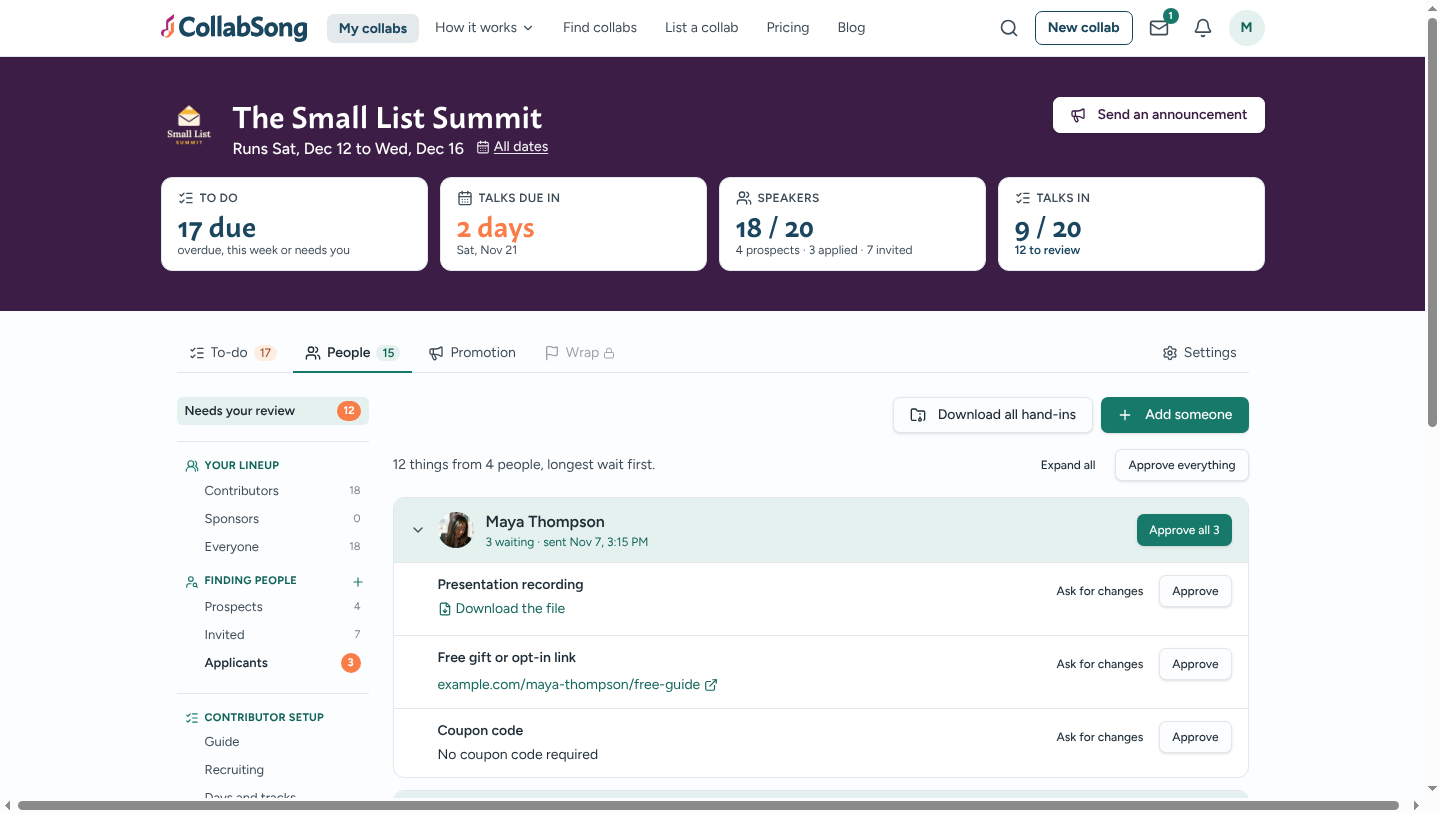 Review hand-ins and ask for changesOpen Needs your review in People. Click Approve on each item, Approve all for one person, or Approve everything.2 steps · 1 min
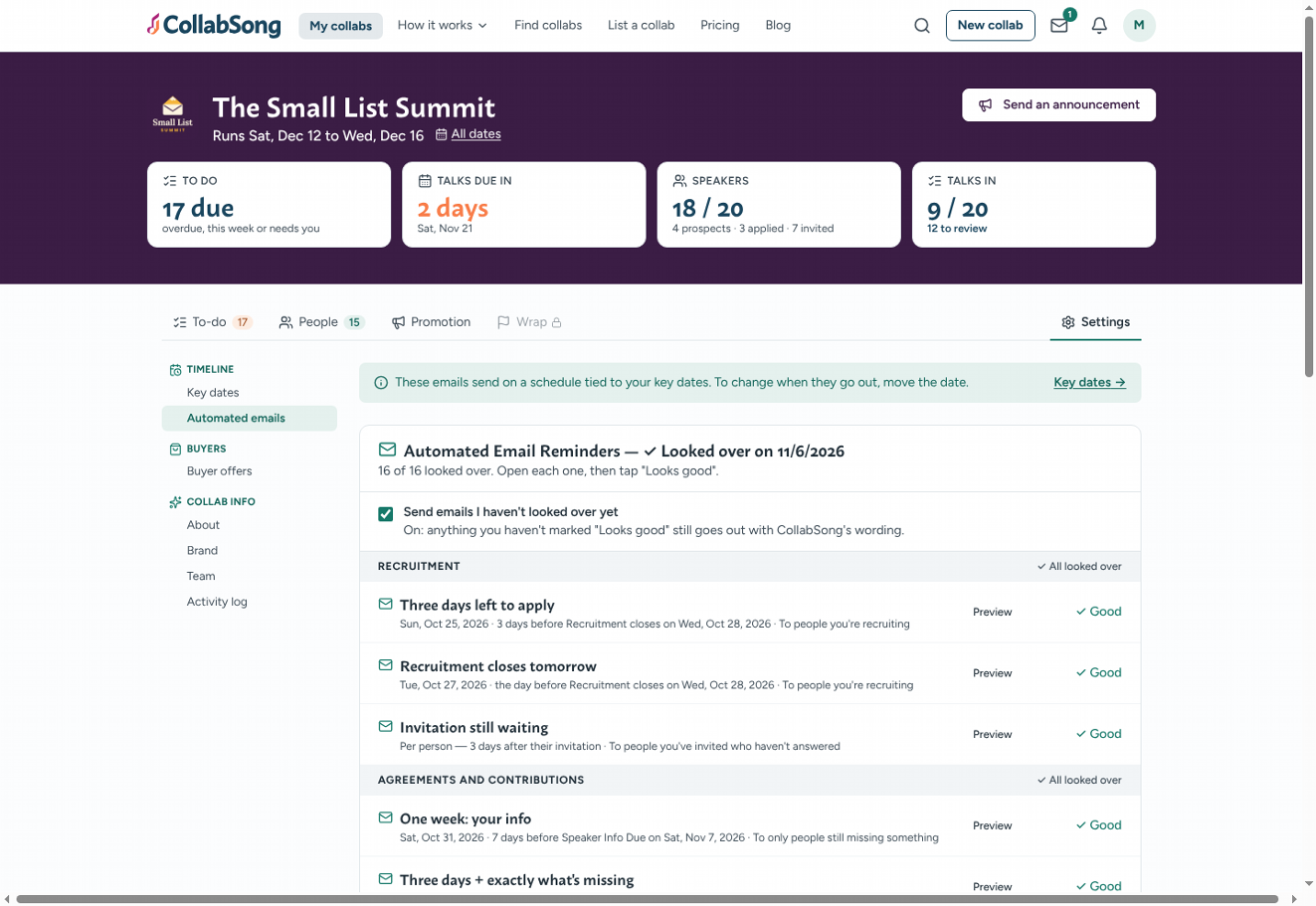 Reminder emails and announcementsCollabSong comes with 16 emails written for you, grouped by stage from recruitment to wrap-up, including swipe delivery, countdowns and thank-yous.4 steps · 1 min
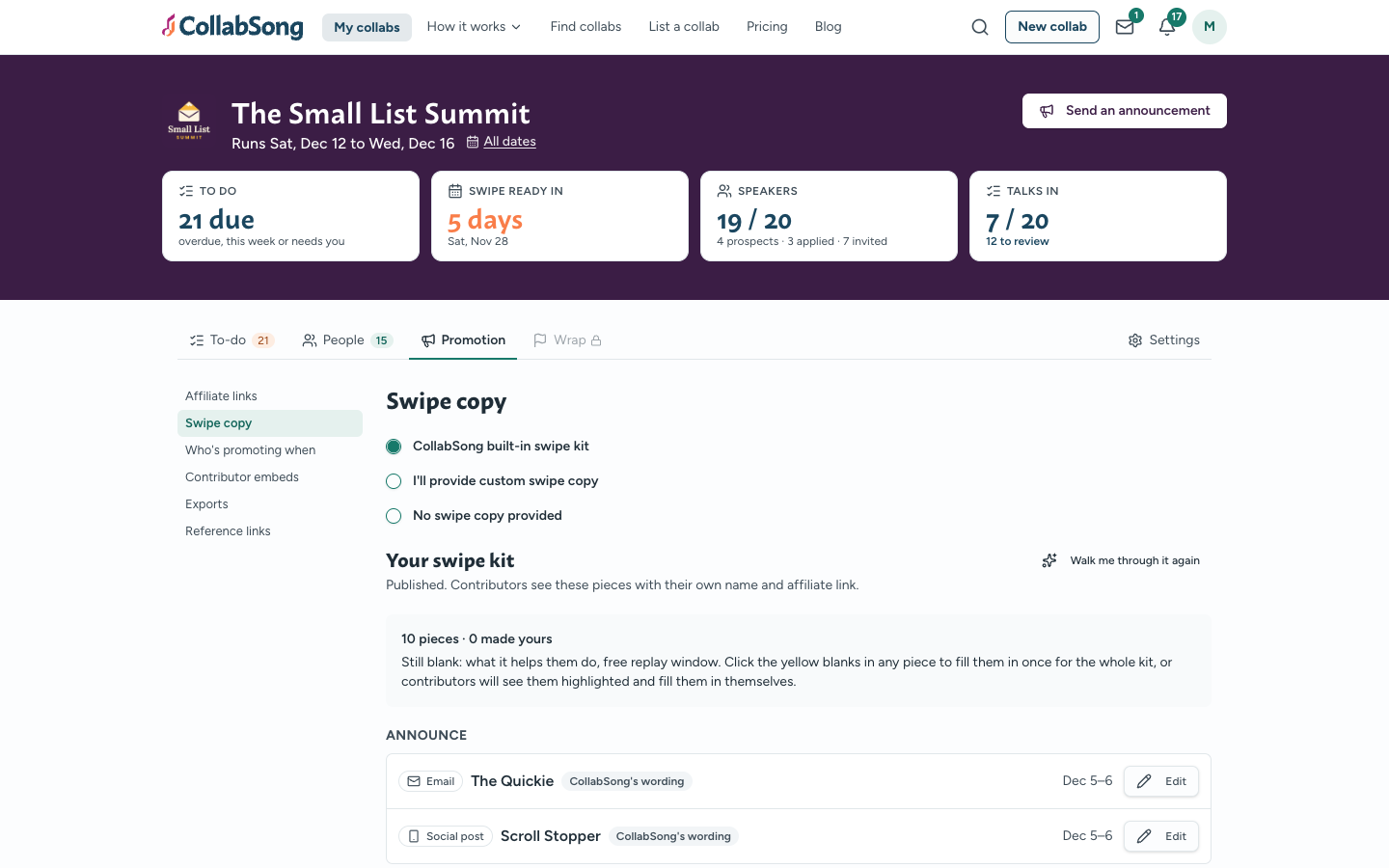 Build your swipe kitIn Promotion, open Swipe copy and choose CollabSong built-in swipe kit. You can also link to swipe copy you wrote yourself, or provide none. Every piece…11 steps · 3 min
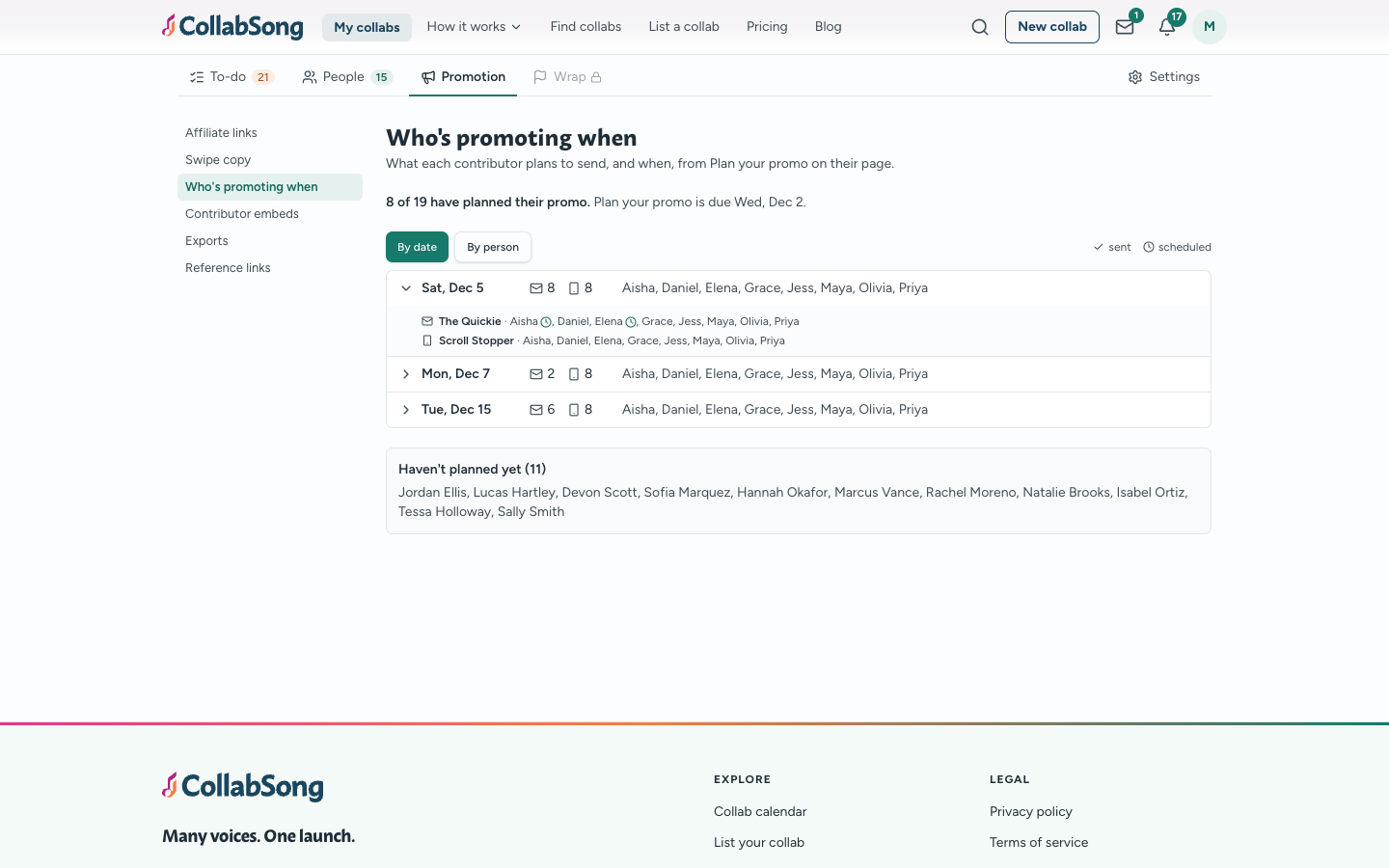 See who's promoting whenIn Promotion, open Who's promoting when. Once your swipe kit is published, it shows the promo plans your contributors have saved: which piece they're…7 steps · 1 min
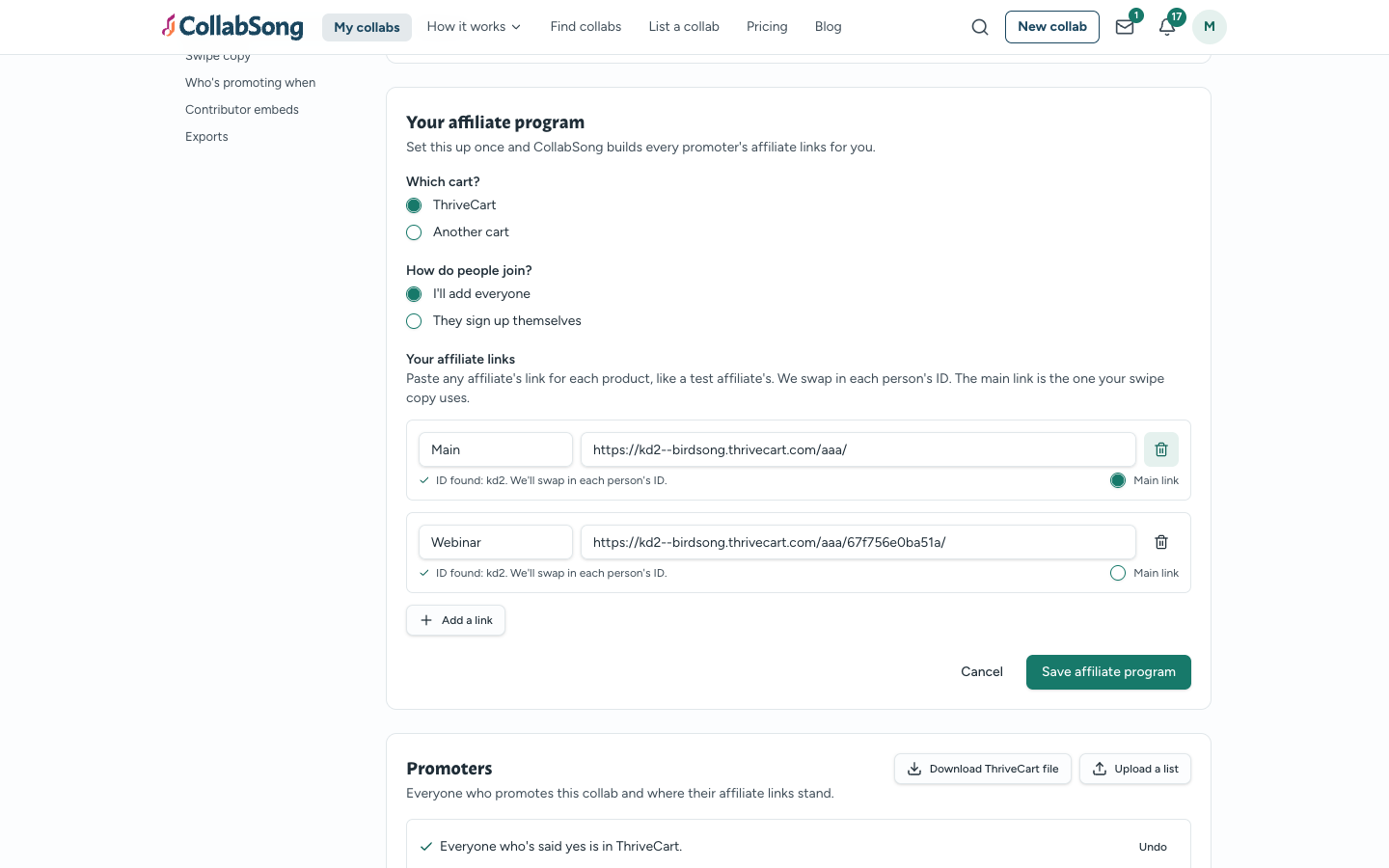 Set up affiliate linksIn Promotion, open Affiliate links. Your affiliate program sits at the top. Set it up once and CollabSong builds every promoter's affiliate links for you,…12 steps · 2 min
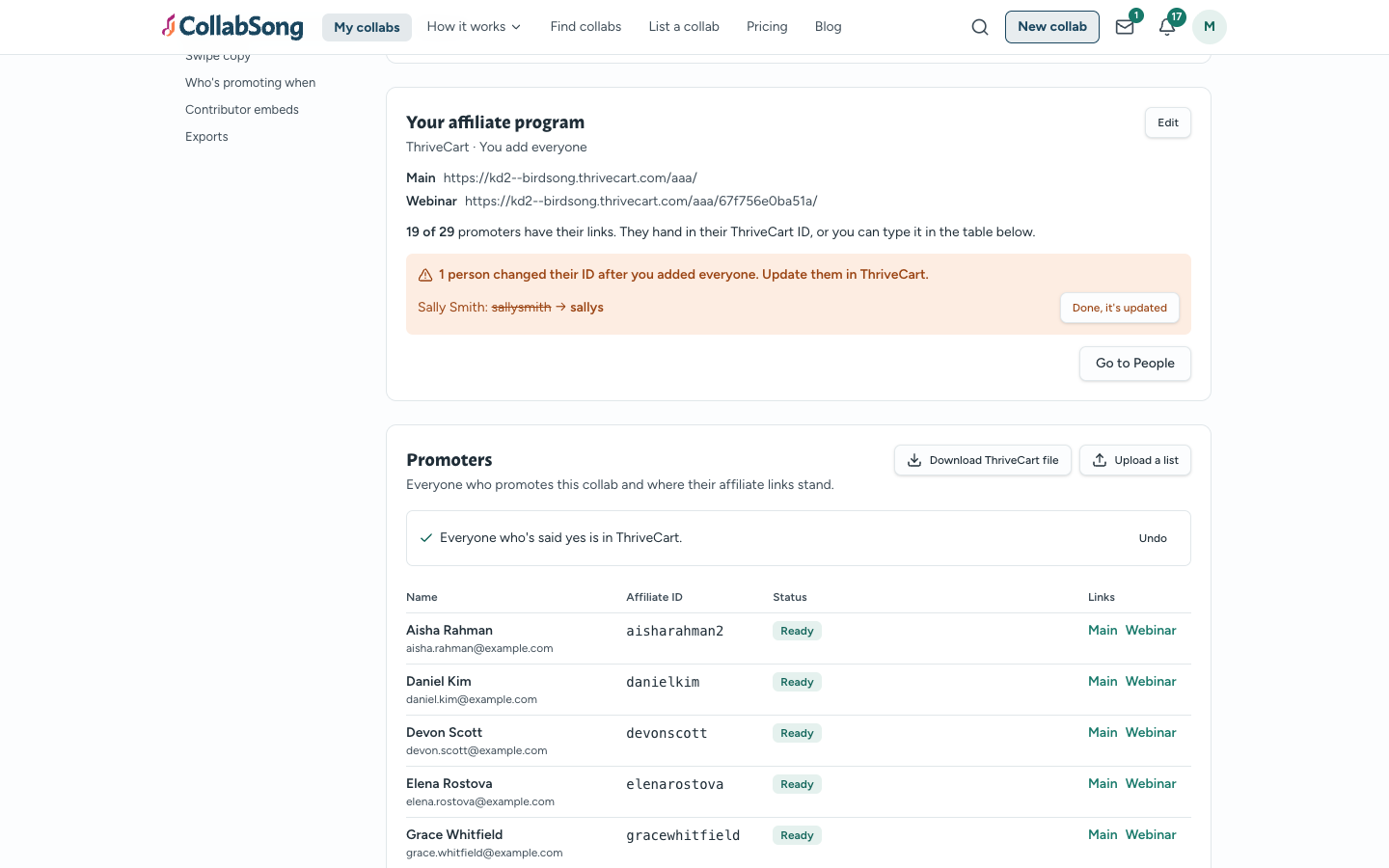 Add everyone to ThriveCartIf you use ThriveCart and add everyone yourself, the Promoters table in Promotion → Affiliate links has Download ThriveCart file. It makes ThriveCart's…9 steps · 1 min
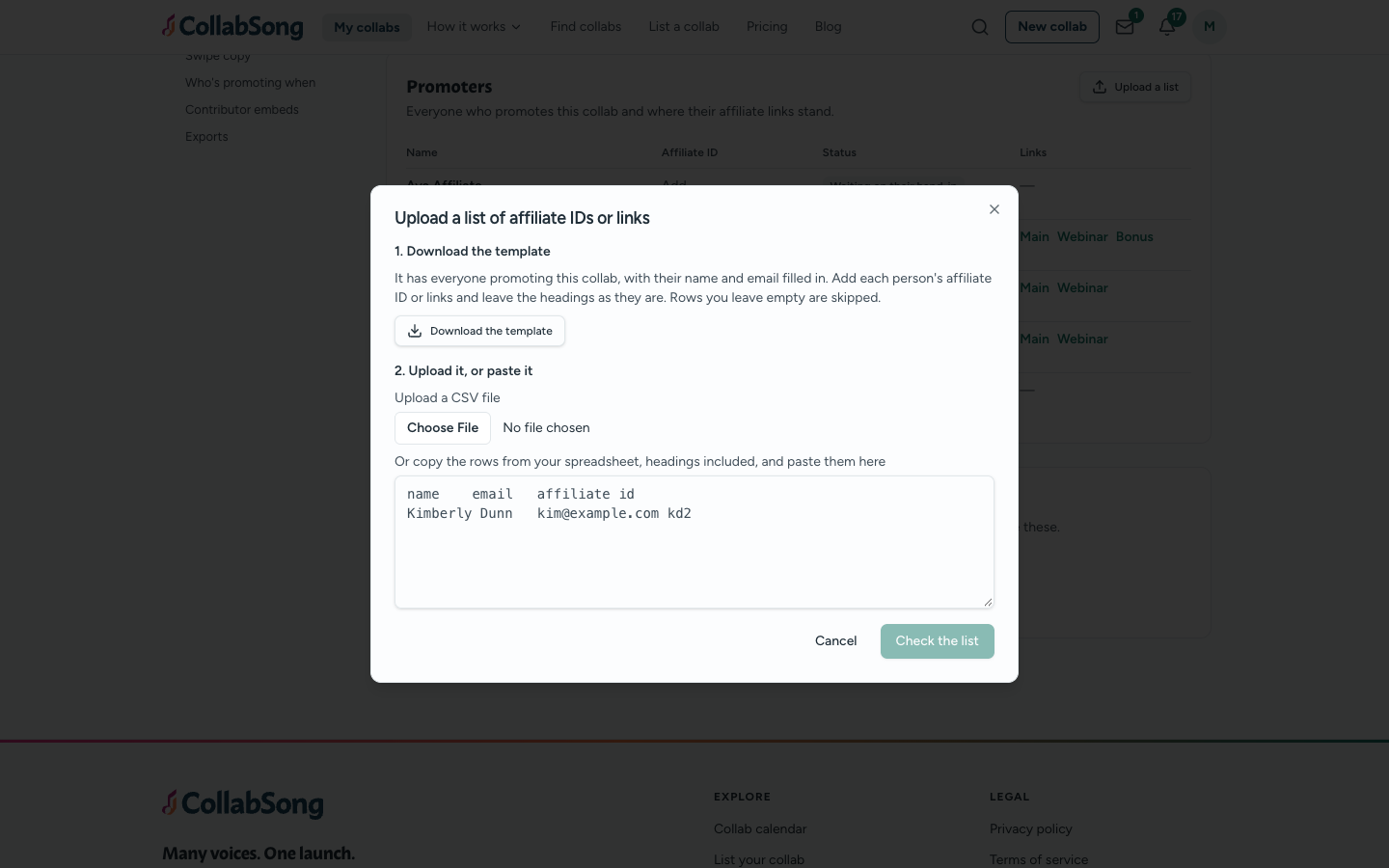 Upload a list of affiliate IDs or linksAlready collected affiliate IDs or links another way, like a form or a spreadsheet? In Promotion → Affiliate links, click Upload a list on the Promoters table.7 steps · 1 min
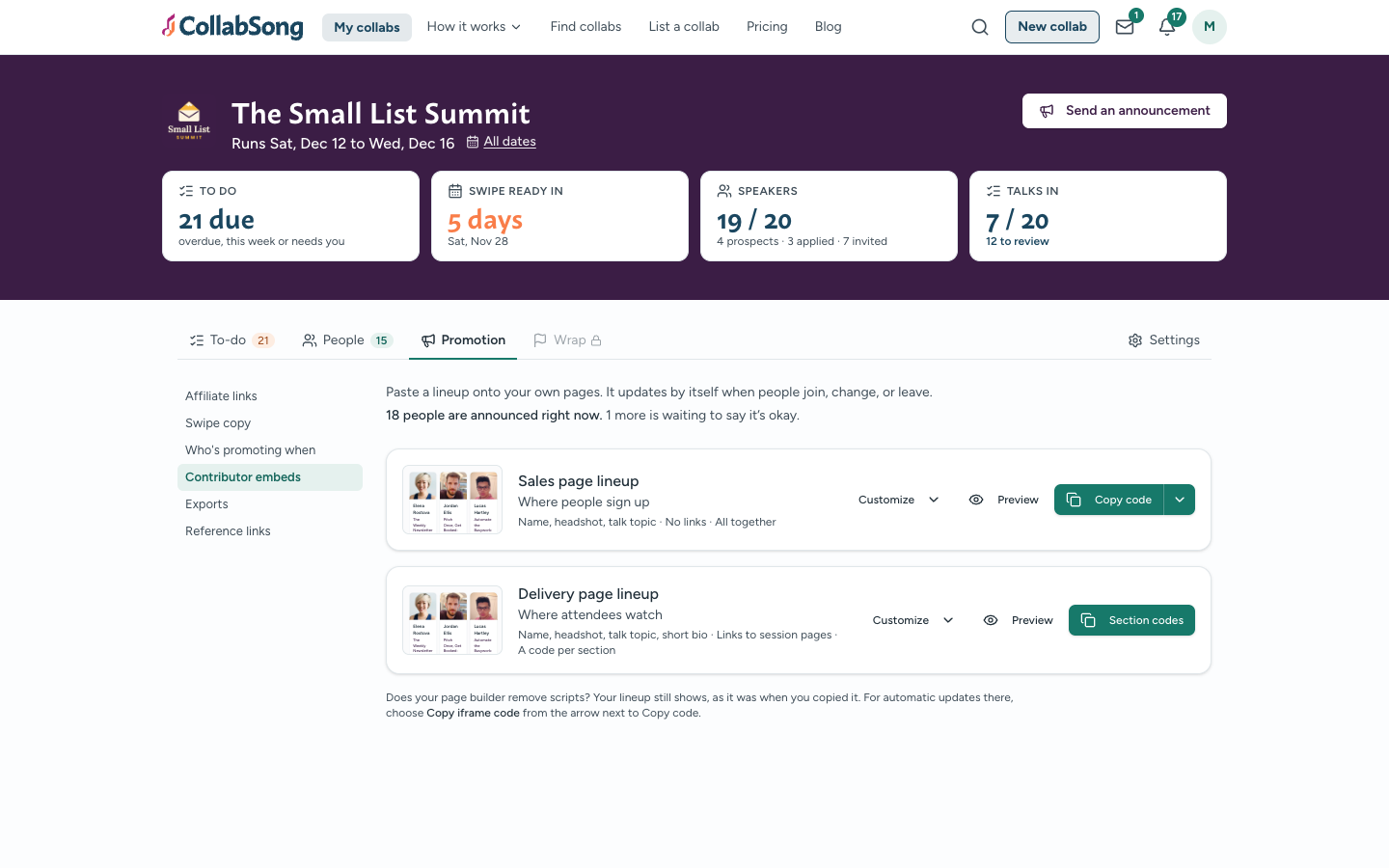 Put your lineup on your sales pageIn Promotion, open Contributor embeds. For your sales page, click Customize to choose the full lineup or one category, day or track, then click Copy code.…2 steps · 1 min
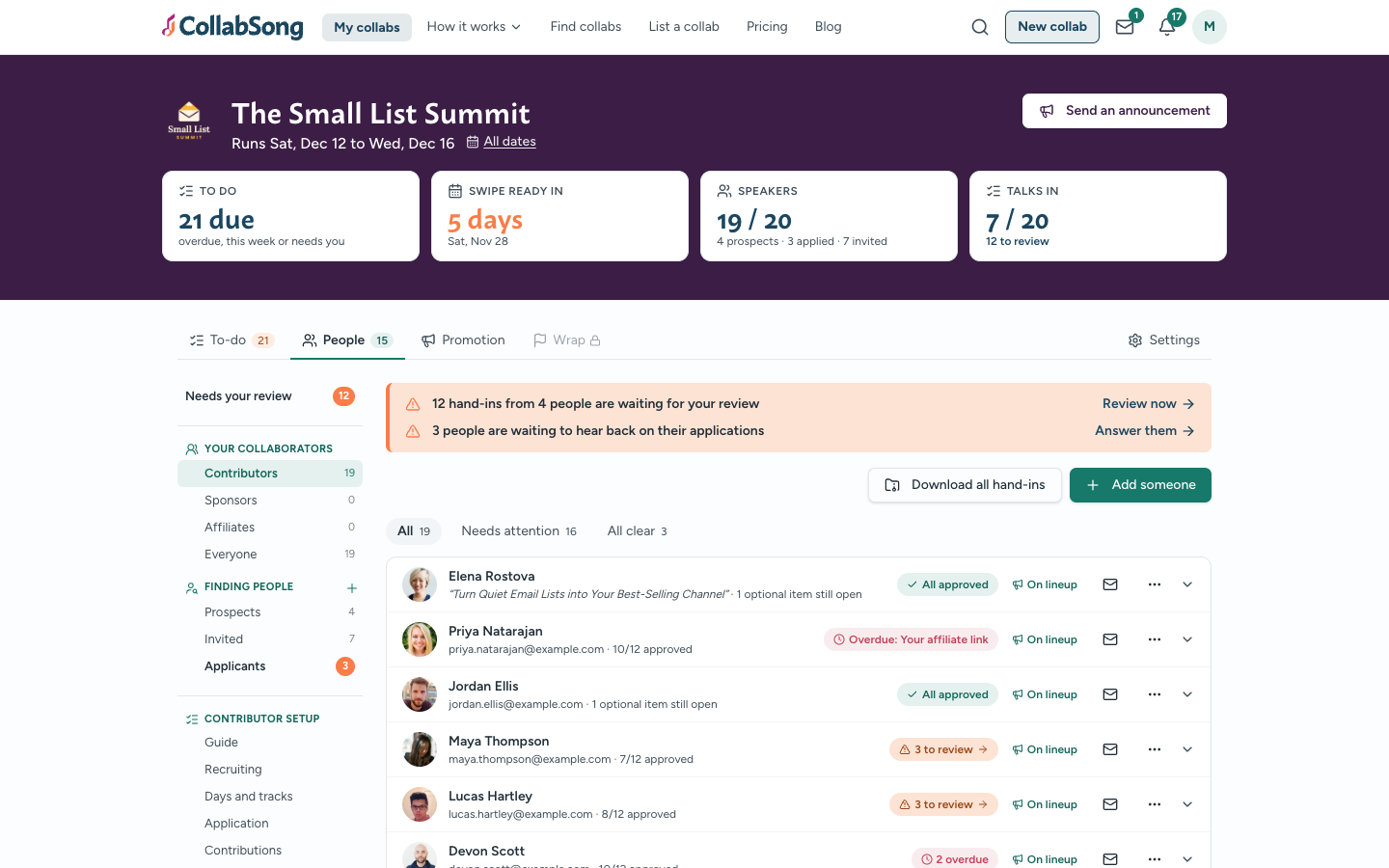 Download all hand-ins and the lineupIn People, click Download all hand-ins, next to Add someone.3 steps · 1 min
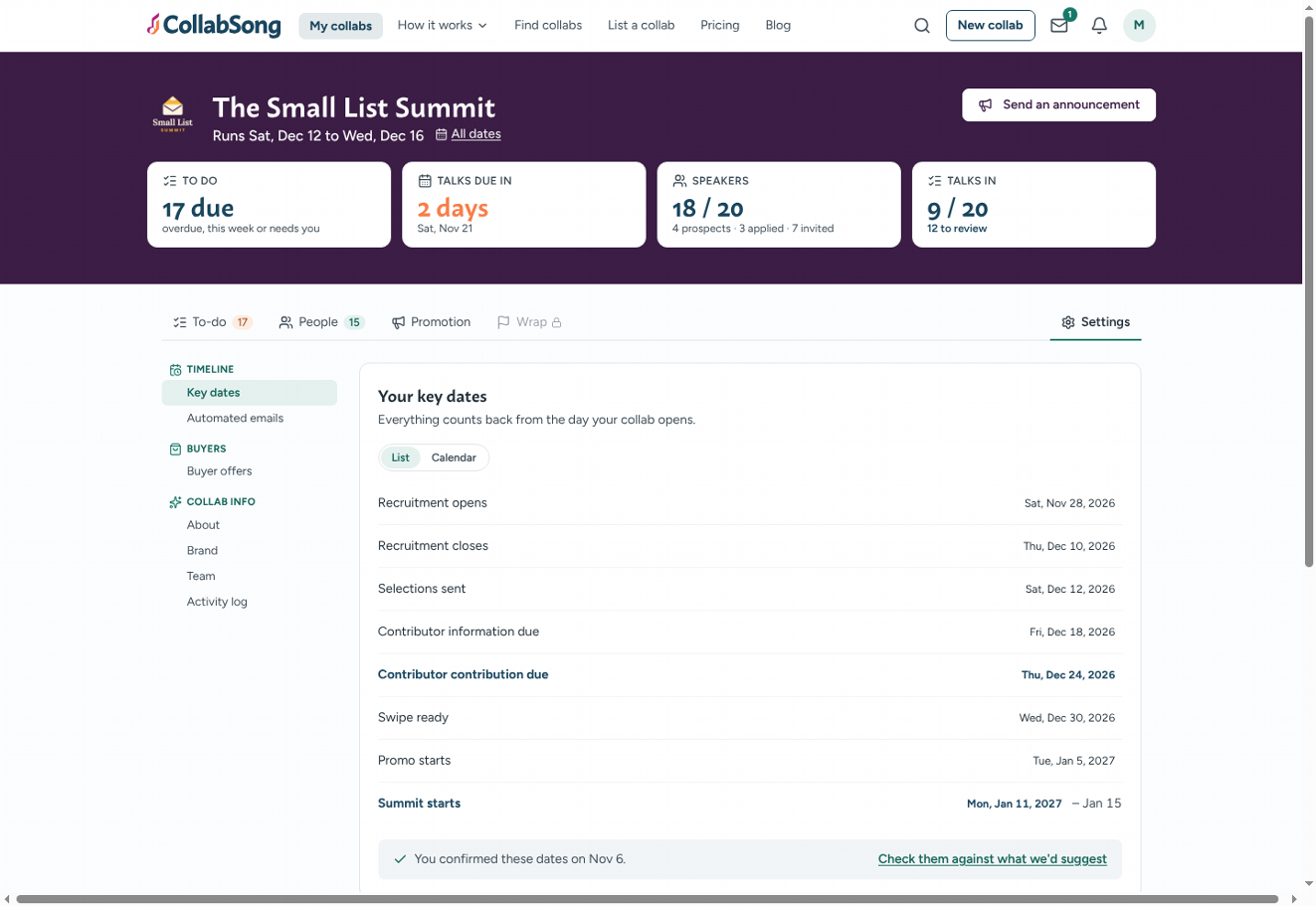 Change a date mid-launchClick All dates under your collab’s name, or open Settings, then Key dates. Switch between List and Calendar, and move the date you need. Reminders move…1 step · 1 min
Contributor guides
Accept your invite, sign, hand in and promote, all from one link.
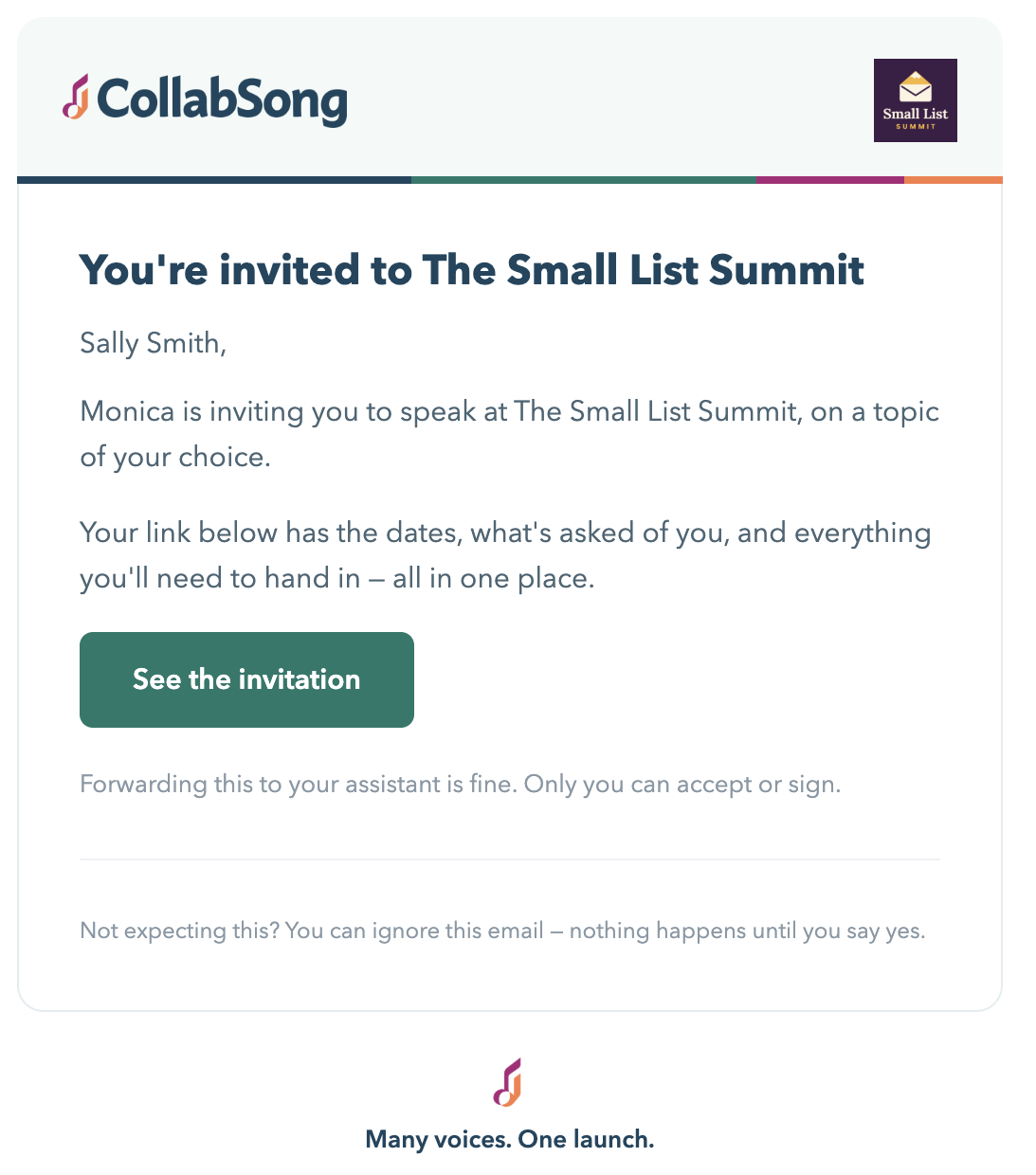 Open your personal linkOpen the invite email from your host and click See the invitation.4 steps · 1 min
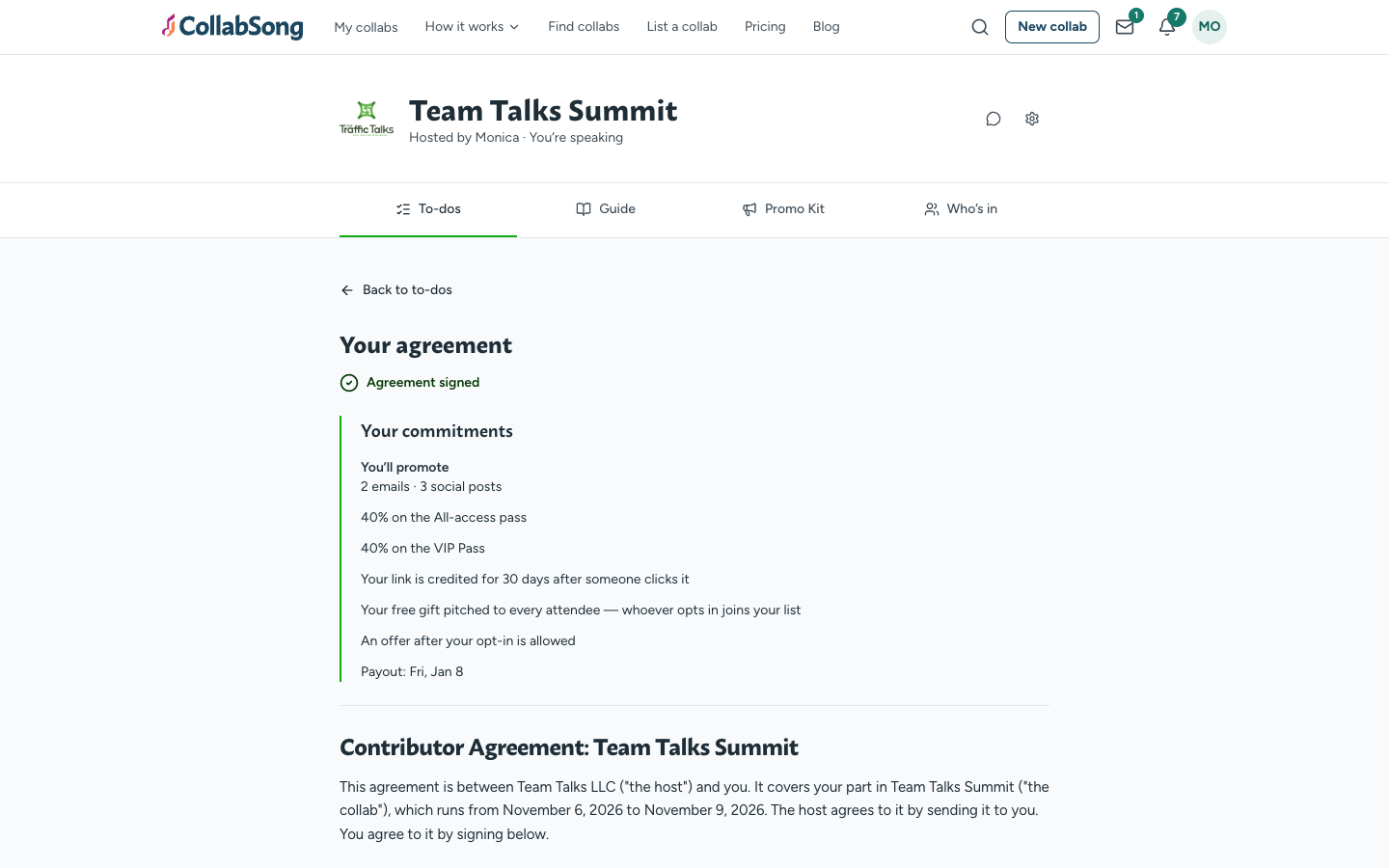 Sign the agreementOn your page, open Your agreement and read it, along with Your commitments. It starts with The deal: what you send and when, what you promote, what you get…2 steps · 1 min
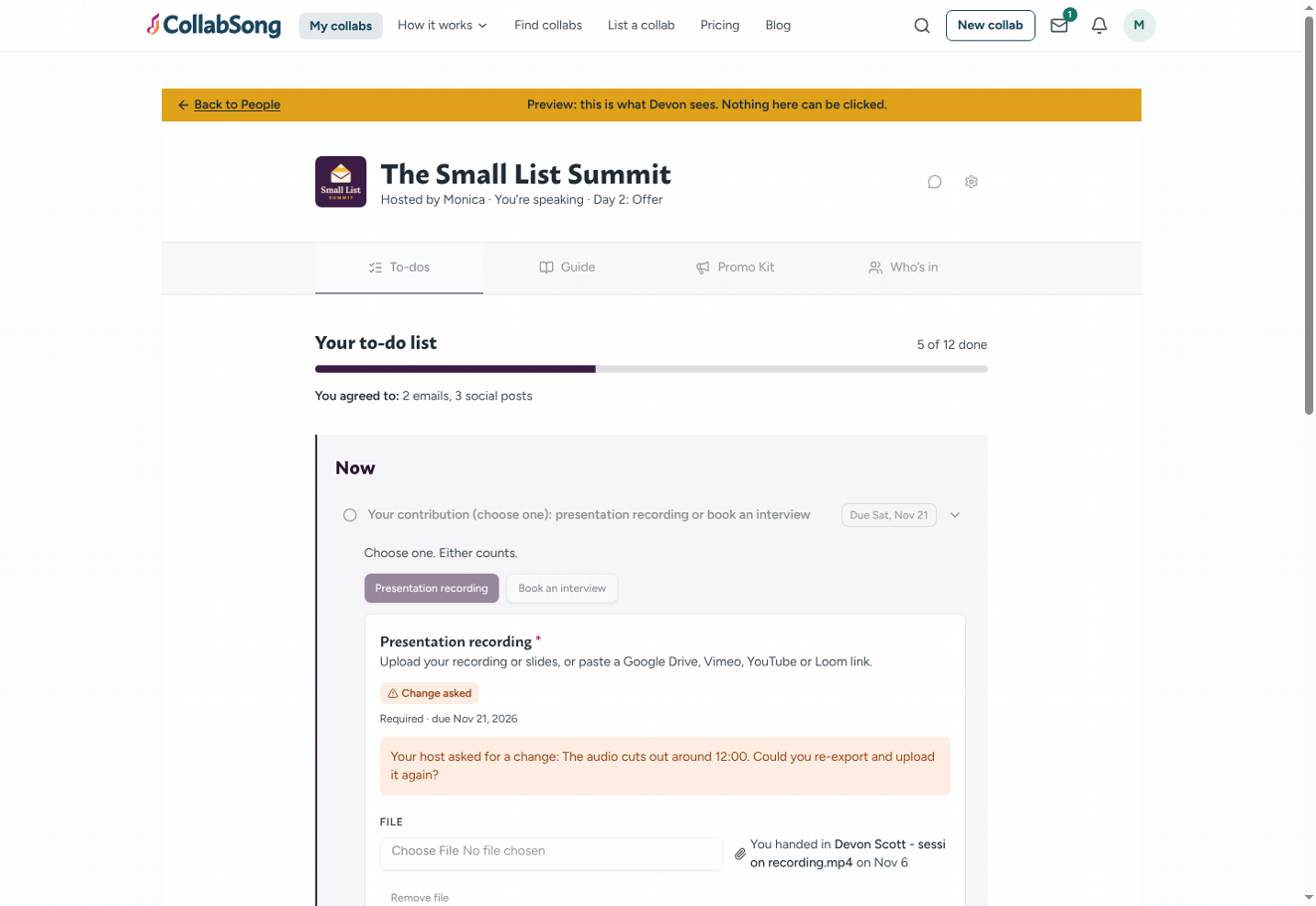 Hand in your thingsYour to-do list shows what’s due Now at the top, then Coming up, then Done.9 steps · 1 min
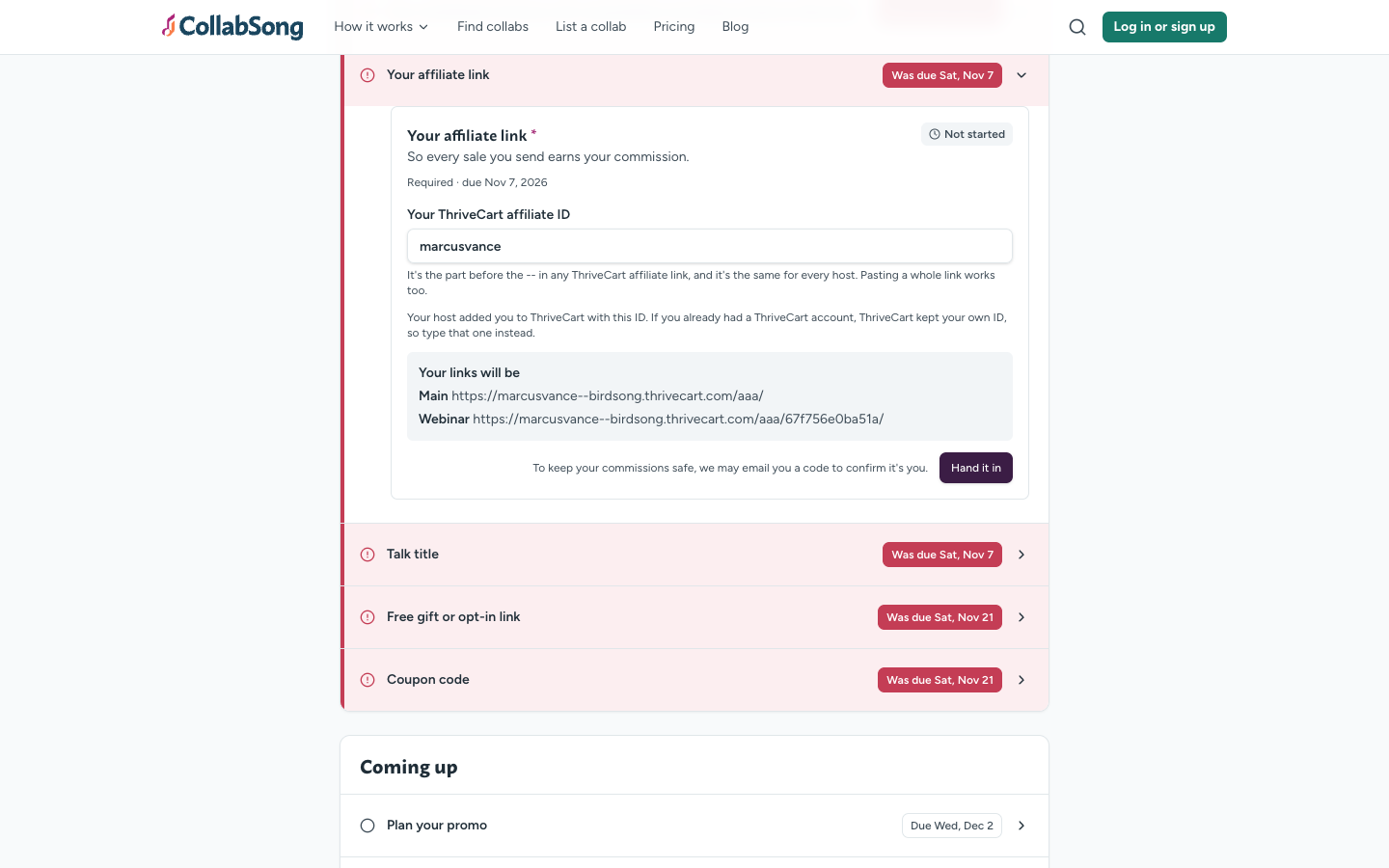 Add your affiliate linkIf your host runs an affiliate program, Your affiliate link is on your to-do list. Hand it in so every sale you send earns your commission. Until you do,…10 steps · 2 min
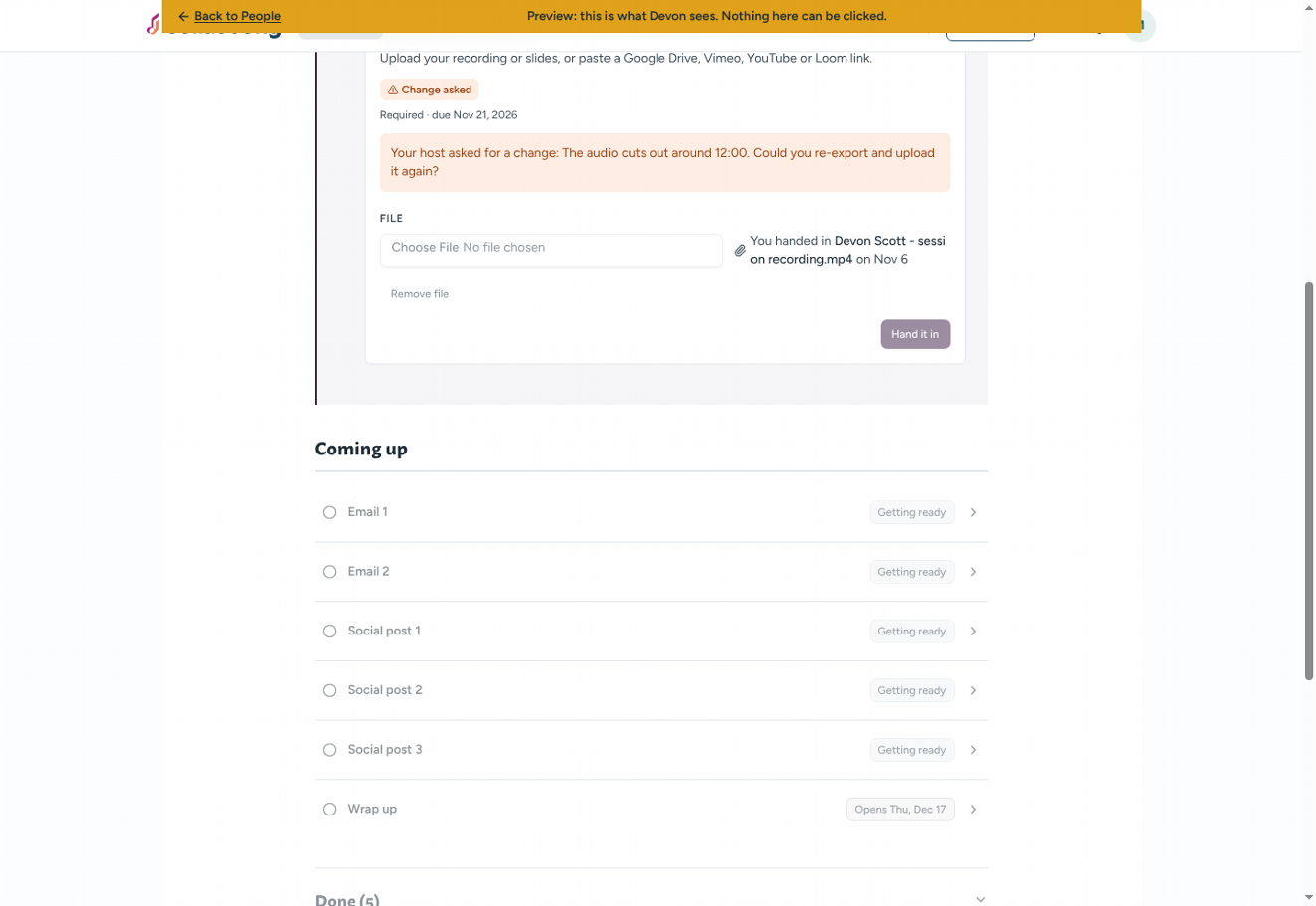 Fix something your host asked you to changeThe item shows Change asked, with your host’s note under it. Choose your new file or edit your answer, then click Hand it in.1 step · 1 min
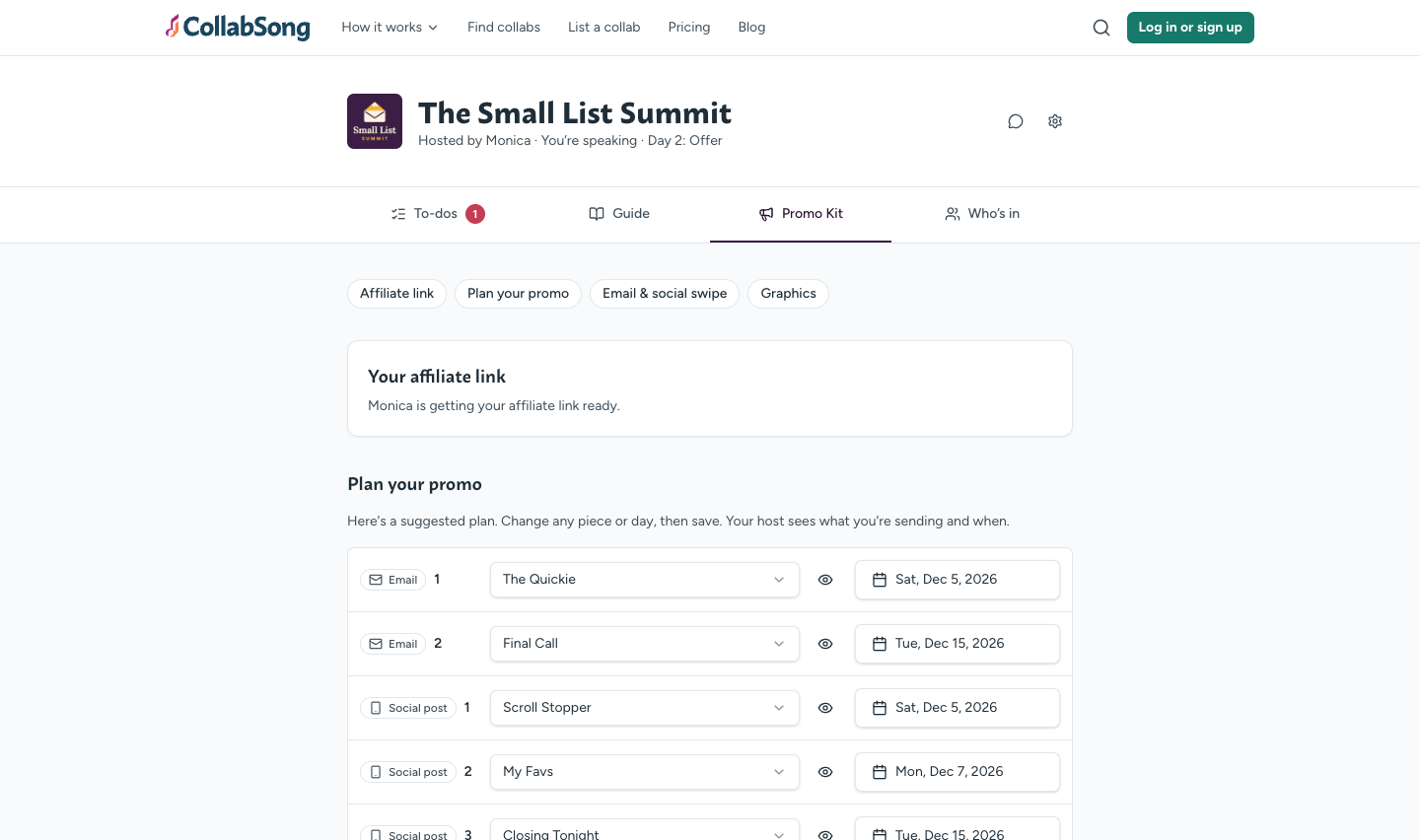 Promote the collabOpen the Promo Kit tab. It has your affiliate links, Plan your promo, your email and social swipe with your link already in it, hooks and angles for writing…10 steps · 2 min
- Contributor FAQNo and no. Your personal link is all you need. You can set a password if you’d like one.4 questions
Account and billing
Signing in, your plan, refunds, feedback and affiliates.
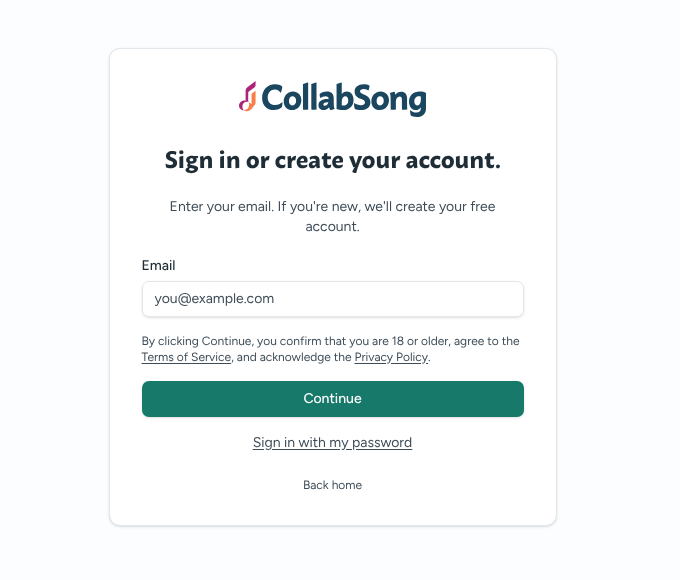 Sign inEnter your email on the sign-in page and click Continue. If you've set a password, you can choose Sign in with my password instead.2 steps · 1 min
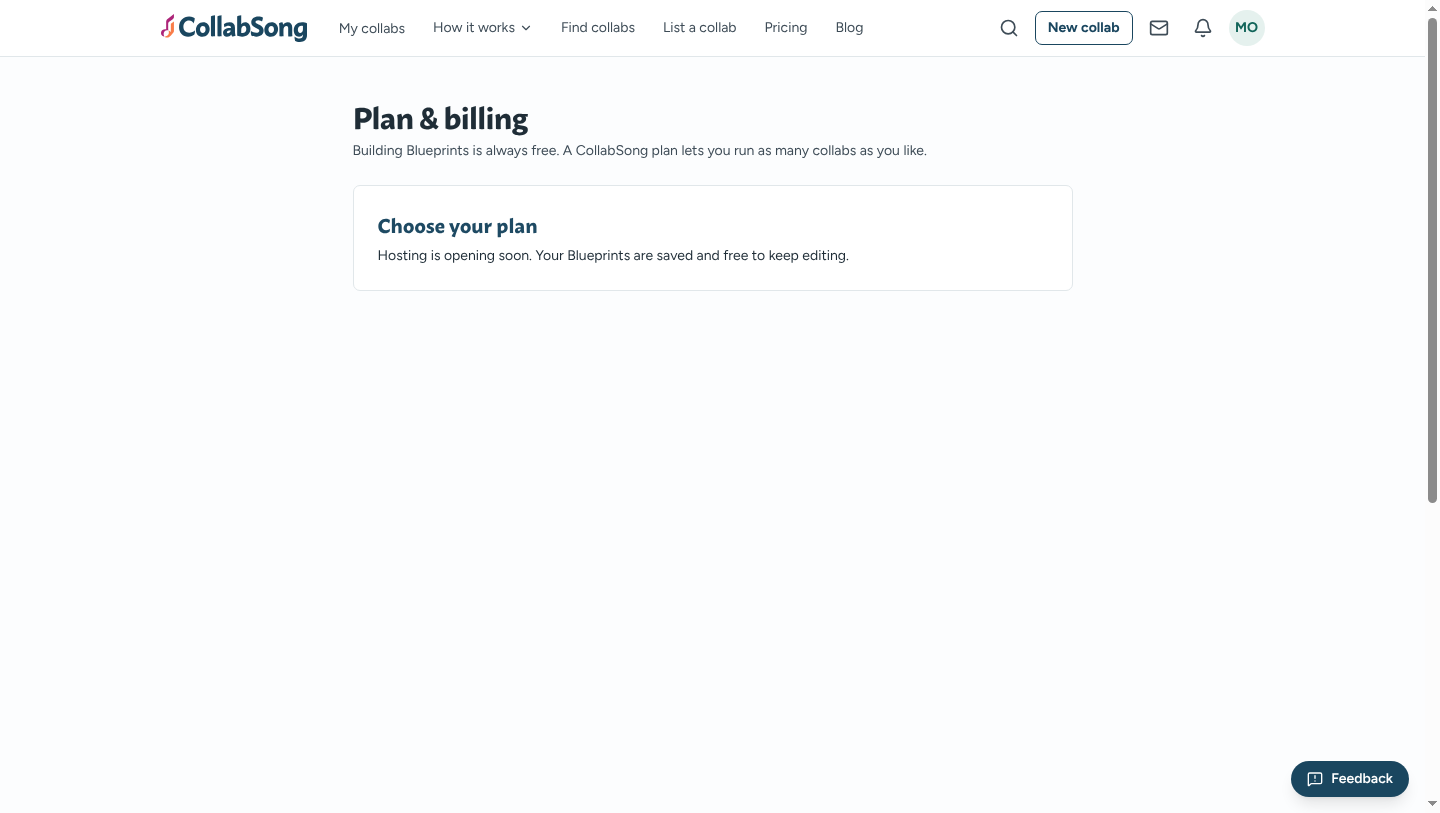 Choose a planPick monthly or annual at checkout.1 step · 1 min
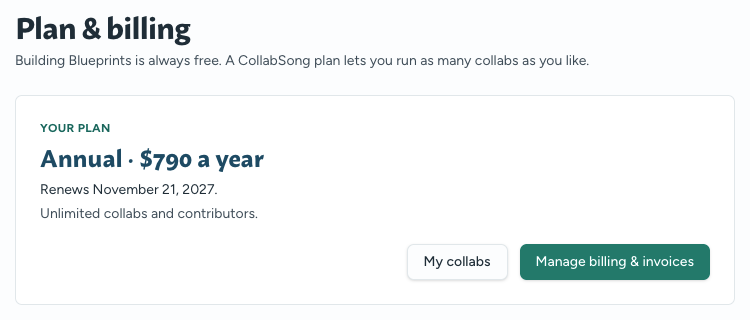 Cancel your planOpen your account menu and choose Plan & billing. Your plan and renewal date are shown there. Click Manage billing & invoices.3 steps · 1 min
- Ask for a refundAnnual plans come with a 30-day refund. Ask within 30 days and you get your money back.3 steps · 1 min
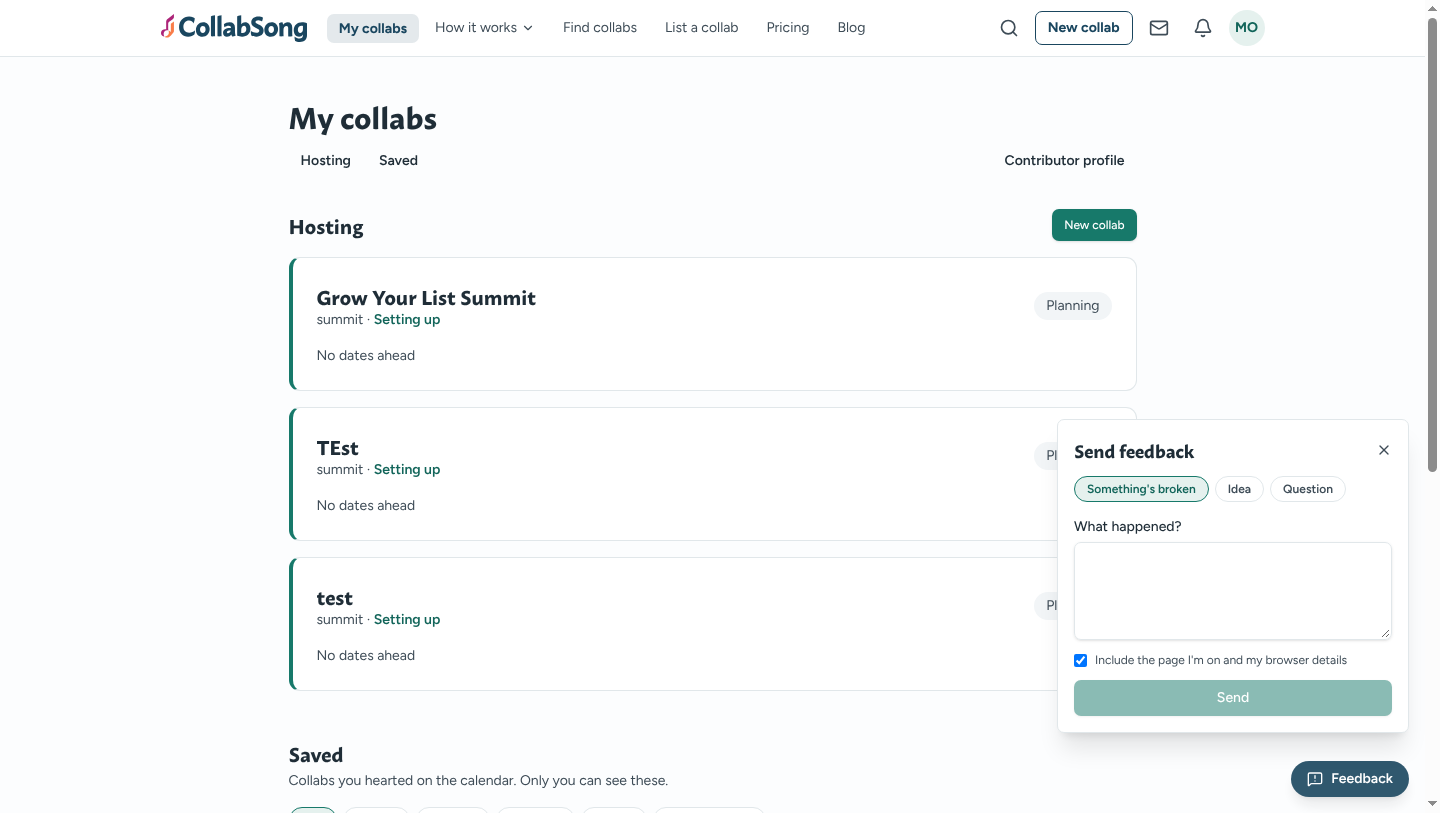 Send feedback or report a bugClick the feedback button, which is on every page. Tell us what you clicked and what you expected. It goes straight to Monica.1 step · 1 min
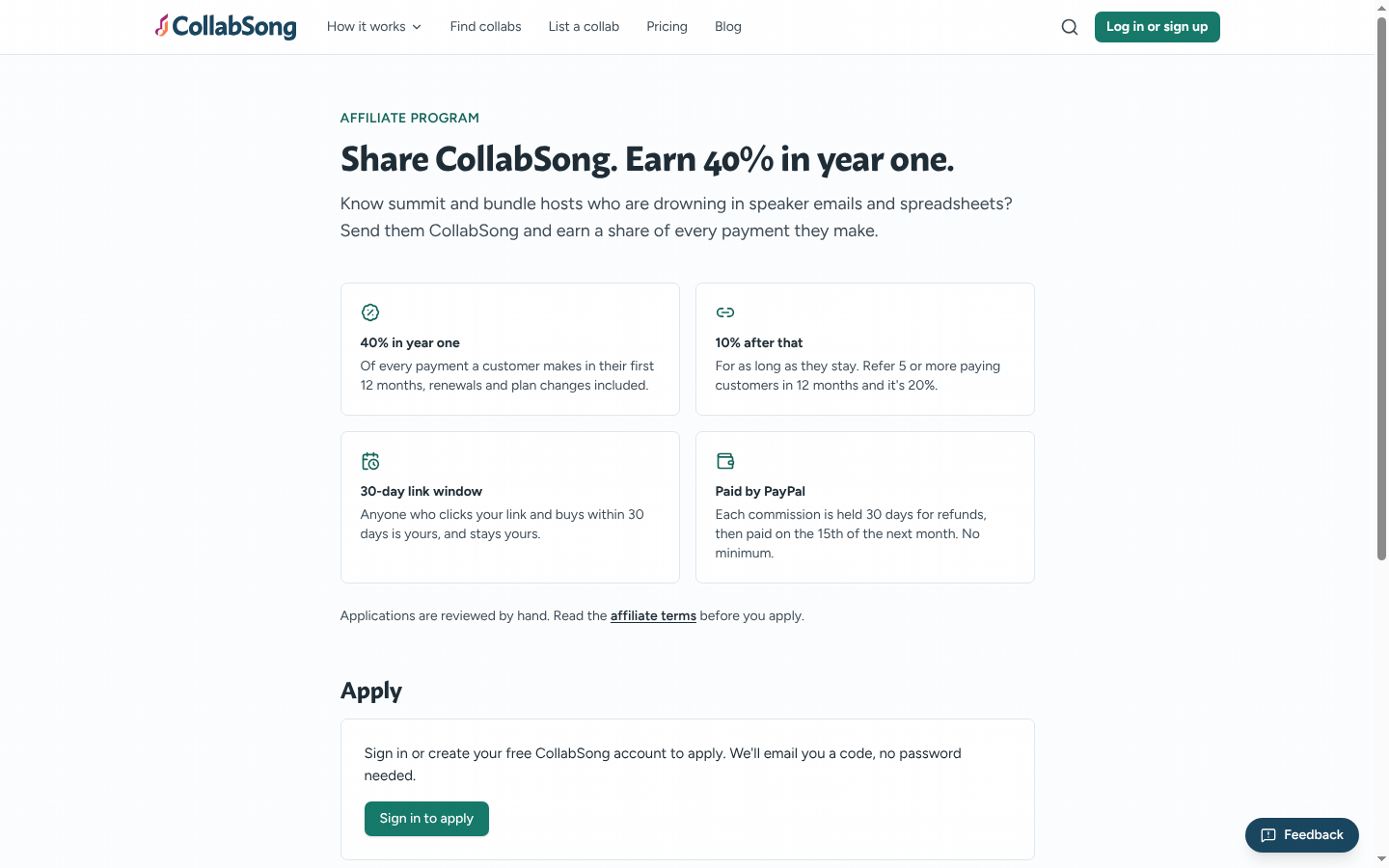 Join the affiliate programApply to the affiliate program. Every application is reviewed by hand. Once you’re approved, you get your link by email, and adding your ref tag to any…2 steps · 1 min